Introduction
Animation in user interfaces is often misunderstood as decorative design. In reality, UI animation principles play a critical role in guiding user attention, communicating system feedback, and improving interaction clarity.
When used effectively, animation reduces confusion and helps users understand how interfaces respond to their actions.
In real product environments, animation is not just about making interfaces look smooth. Poorly implemented animations can slow down interactions and confuse users, while well-designed animations can guide attention and improve usability.
Animation should guide user actions, not slow them down.
From My Experience
In one of my recent projects, we introduced animations to improve user interactions in a dashboard. Initially, the animations looked visually appealing, but users found the interface slower and less responsive.
After testing, we realized that the issue was not the animation itself but its timing and frequency. By reducing animation duration and applying it only to key interactions, we improved both usability and performance.
This experience showed that animation should support user actions, not distract from them.
Why UI Animation Matters
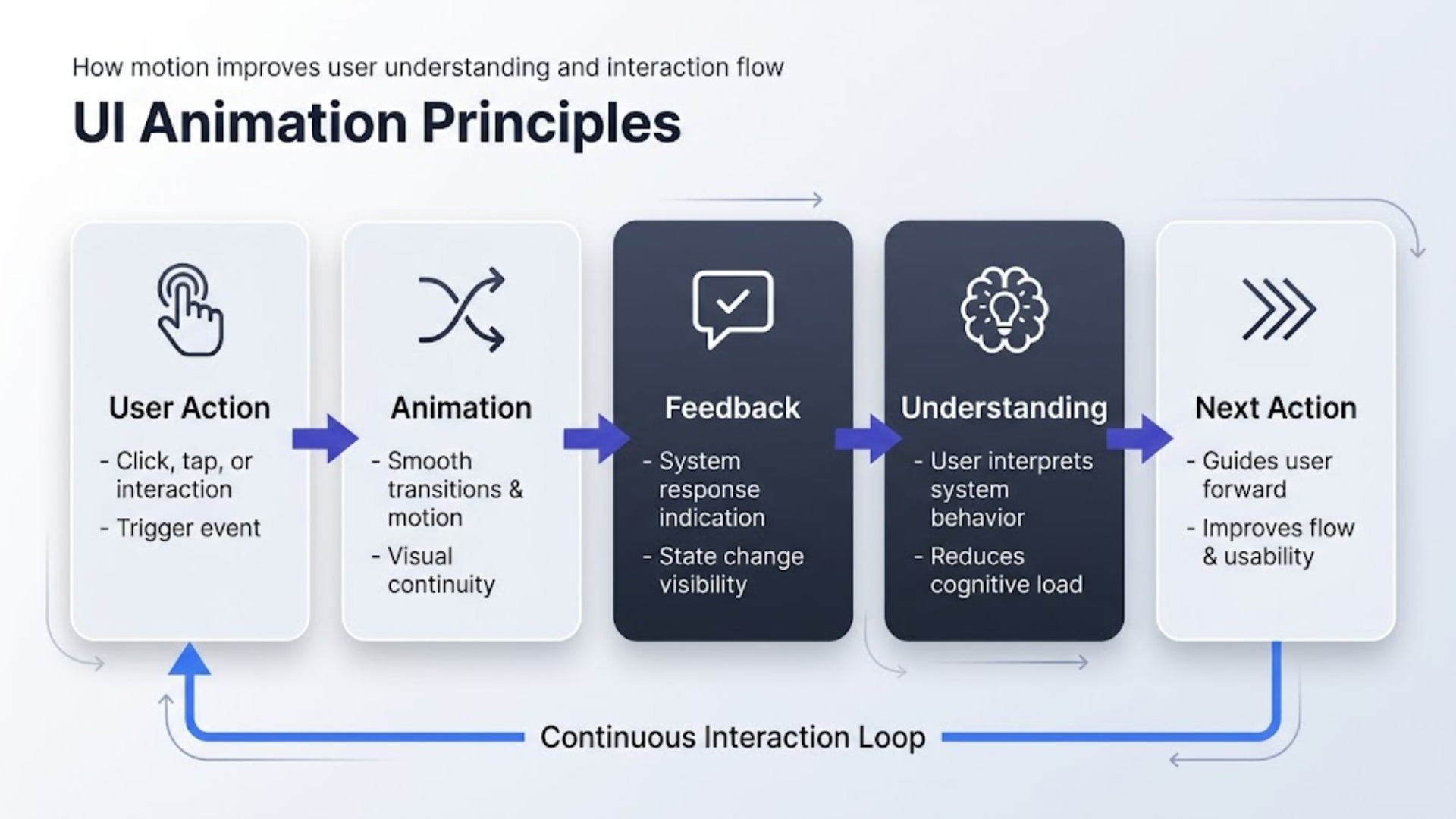
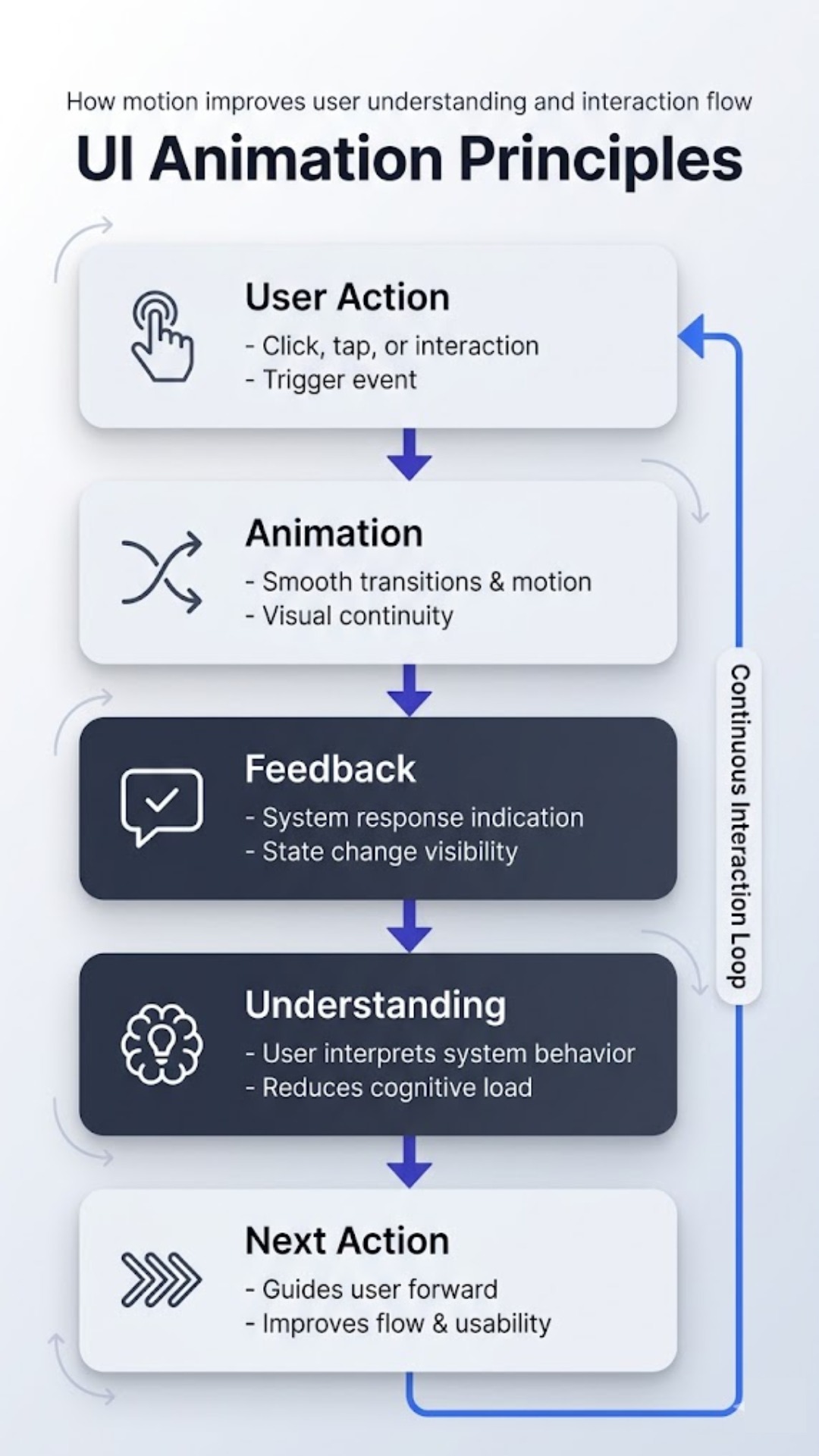
UI animation enhances digital experiences by improving feedback, navigation, and interaction flow. Subtle motion cues help users understand transitions between screens and system states.
For example, loading indicators reassure users that the system is processing their request. Similarly, animated transitions can help users track their location within complex interfaces.
Core UI Animation Principles
1. Feedback Animation
Whenever a user performs an action, the interface should provide immediate feedback. Animated buttons or loading indicators confirm that the action was successful.
In practical scenarios, even subtle animation changes can significantly affect how users perceive speed and responsiveness.
2. Transitional Animation
Transitions help users understand spatial relationships between interface states. Instead of abrupt screen changes, smooth transitions maintain context.
3. Hierarchy and Focus
Motion can guide attention toward important actions such as call‑to‑action buttons or notifications.
4. Micro‑Interactions
Micro‑interactions are small animations that improve engagement. Examples include hover effects, button presses, and form validation feedback.
Animation and Accessibility
While animation improves usability, excessive motion can create accessibility issues. Designers should follow accessibility standards such as WCAG guidelines to ensure animations remain comfortable for all users.
Accessibility considerations are also explored in Accessibility and Business ROI
When Animation Becomes a Problem
Poorly implemented animations can harm usability. For example:
- Long transition delays
- Distracting motion effects
- Animations without functional purpose
Design teams should prioritize clarity over visual complexity.
Common UI Animation Problems and How to Fix Them
- Problem: Animations slowing down user interactions
- Solution: Reducing duration and using animation only where necessary
- Problem: Overuse of animations causing distraction
- Solution: Applying animation selectively to guide attention
- Problem: Lack of feedback for user actions
- Solution: Using micro-interactions to confirm actions
Key Insight
Good UI animation is not about adding motion everywhere; it is about using motion to communicate. When animation is purposeful, it enhances usability. When it is excessive, it becomes a distraction.
Conclusion
UI animation principles are essential for creating intuitive and engaging interfaces. When implemented carefully, motion design enhances usability, reinforces interaction feedback, and improves overall user experience.